Post Purchase Email Sequence That Builds Loyalty
Build a post-purchase email sequence that confirms orders, helps customers get started, and earns repeat business with useful, timely messages.
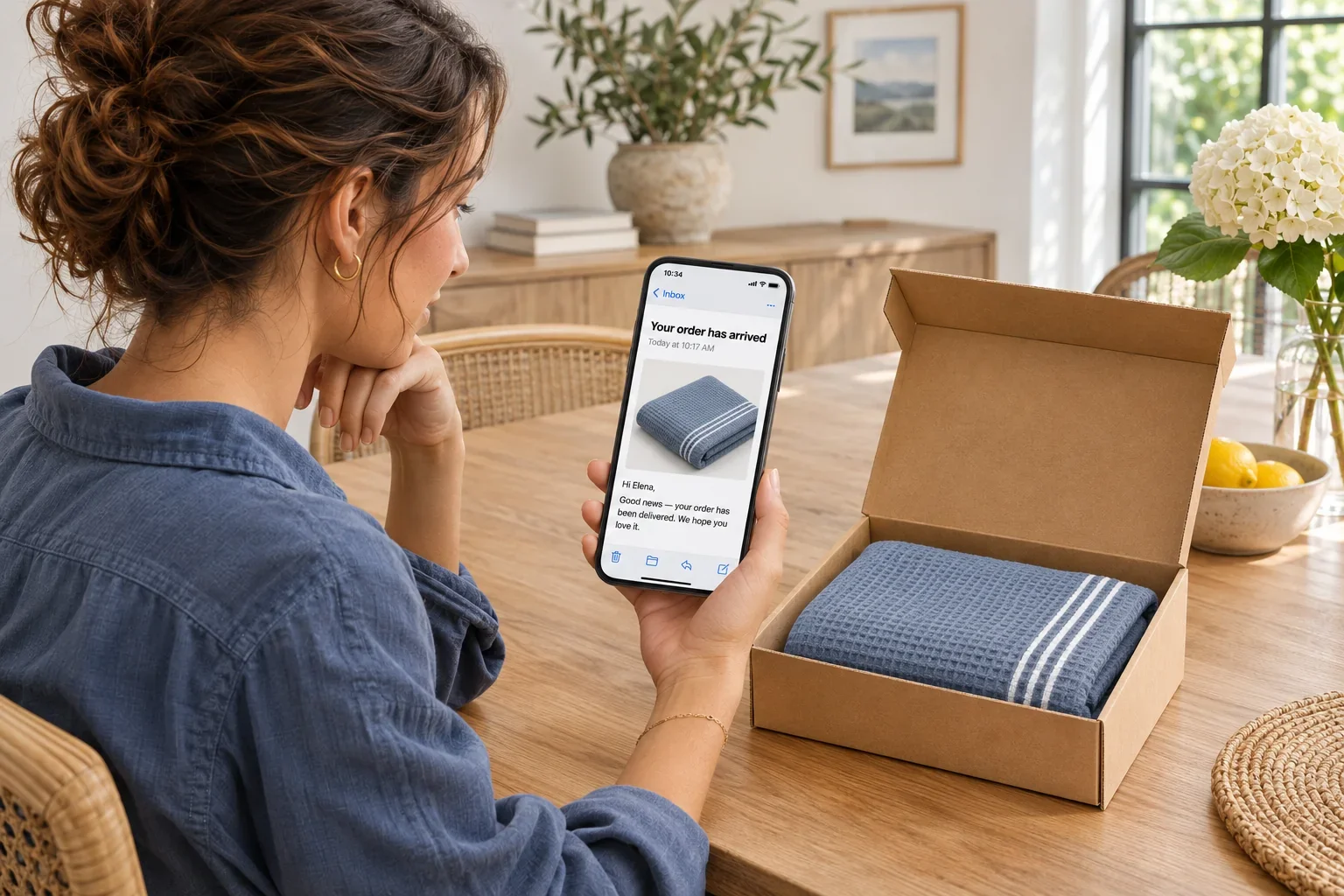
A purchase is not the finish line. It is the moment when a customer has the most attention, the most questions, and the clearest impression of whether your business will be useful after taking their money. A thoughtful post purchase email sequence turns that moment into a conversation: clear confirmation first, practical help next, and relevant reasons to return when the timing is right.
The goal is not to keep sending because an order occurred. It is to remove uncertainty, help customers get value from what they bought, and learn enough about their needs to communicate better next time. For an ecommerce brand, that may mean delivery updates and product care. For SaaS, or software sold as a subscription, it may mean guidance on getting an account ready to use. For a service business, it may mean preparation, next steps, and a simple check-in.
What a post purchase email sequence should do
Every message after a purchase should answer a real customer question. Did my order go through? When will it arrive? How do I start? What should I do if something is wrong? Is there a useful next step?
That sounds straightforward, but many sequences lose their value by treating every buyer the same. A first-time customer needs reassurance and orientation. A repeat customer may only need an efficient confirmation. Someone who purchased a complex product needs education before they need another offer. Someone whose shipment is delayed needs service information, not an upbeat offer for a related product.
A strong sequence works because it combines clear information about the transaction with an understanding of the customer relationship. It respects the fact that a customer has already made a decision. No pushy discounts, no nagging. Just communication that makes ownership easier and the next interaction more likely to feel earned.
Start with events, not a fixed calendar
A calendar matters, but customer events matter more. The best automation begins with the purchase event and branches based on what happens afterward: order status, product category, customer history, account activity, satisfaction signals, and more.
For example, an order confirmation should send immediately after payment. A shipping email should send only when the order actually ships. A setup guide should arrive after delivery for a physical product, or after account creation for a digital one. A reorder reminder should reflect the product’s expected usage cycle, not an arbitrary 30-day rule.
This is where a visual automation flow is especially useful. You can map the path a customer takes, apply conditions, and see where a message belongs before you write it. The workflow becomes easier to maintain because timing is connected to data rather than a collection of manual sends.
Separate operational messages from marketing pressure
Order confirmations, receipts, password setup emails, and service updates are often essential communications. They should be dependable, direct, and easy to scan. Keep the key detail near the top: order number, item purchased, expected delivery date, appointment time, or account action.
Marketing messages can follow, but they should not bury or compete with operational information. A receipt is not the place for three promotional banners. A shipping delay is not the moment to introduce a referral program. Relevance is not just about what you send. It is also about what you deliberately leave out.
A practical post purchase email sequence
The exact flow depends on your business model, but most organizations benefit from a sequence built around a few distinct customer moments.
1. Confirm the purchase immediately
Send the confirmation as soon as the transaction is complete. It should make the customer feel certain that everything worked. Include the essentials: what they purchased, what they paid, where it will be delivered or accessed, and how to get help.
For subscriptions or SaaS products, confirm the plan, renewal terms, and the first action that gets them started. For services, restate the appointment or project details and clarify what happens next. This message is functional, but it also establishes trust. Clean design and plain language do more here than promotional copy ever will.
2. Prepare the customer before fulfillment or onboarding
If there is a wait between purchase and use, give that wait a purpose. A furniture retailer can share delivery preparation. An online course can explain how to access lessons. A consultant can request materials needed before a kickoff call.
This email should reduce friction, not create homework. Focus on one or two actions that make the next step easier. If no preparation is required, a simple expectation-setting note may be enough.
3. Help customers get the promised value
This is often the most overlooked message in the sequence. Once a product arrives or access is granted, customers need a fast path to a successful first experience.
Show the first useful action, not every feature or possibility. A skincare brand might explain the right order of use. A software company might point a new account toward the one setup step most associated with adoption. A membership organization might highlight the first event, resource, or community action worth taking.
Use segments, or groups of customers with similar needs, to make this guidance more specific. First-time buyers may need a fuller introduction, while returning customers can receive a shorter note that acknowledges what they already know. If your product catalog is broad, tailor the education to the category purchased rather than sending a generic welcome message.
4. Check in when experience has had time to form
A review request sent minutes after delivery feels automated because it is. Wait until customers have had enough time to use the product or experience the service. The right delay varies widely: a food delivery may warrant a next-day check-in, while business software may need two weeks or more.
Ask a question you are prepared to act on. “How is it going?” can work when a reply reaches a real team. A short satisfaction survey can work when responses are tagged and routed. If you ask for a review, make it secondary to customer support. A customer with a problem needs help before they need a public-facing request.
5. Offer the next relevant step
Repeat purchases are valuable, but they should not be assumed. The next message might be a replenishment reminder, a compatible product, a plan upgrade, a training resource, or a renewal notice. It depends on what the customer bought and what they have done since.
Use behavioral conditions to avoid obvious mistakes. Do not promote an item the customer has already purchased. Suppress cross-sells while an order is unresolved. If a subscriber has not activated a core feature, send help before an upgrade pitch. Good automation is often defined by the messages it prevents.
Build the data foundation before writing every email
Creative work matters, but sequence quality depends on the information behind it. At a minimum, connect purchase data, product or plan details, order status, customer lifetime value (the value of the relationship over time), and engagement activity. Then decide which events should trigger messages and which conditions should stop them.
Keep your fields understandable across marketing, support, and technical teams. “Delivered,” “activated,” “renewal due,” and “refund requested” should have clear definitions. When data is ambiguous, automation behaves ambiguously too.
Azimea can bring campaign email, transactional delivery, contact data, and event-driven automation into one workspace, so a customer journey does not have to be assembled across disconnected tools. For technical teams, APIs connect applications, webhooks pass on event notifications, and SMTP supports email delivery. Sandbox testing provides a test environment for checking those connections before using them with real customer activity. These tools help connect messages to the product and order events that matter.
Measure more than opens and clicks
Open and click rates can show whether a message earned attention, but they do not prove the sequence helped the business or the customer. Track downstream outcomes instead: delivery-related support tickets, product activation, repeat purchase rate, time to first value, review completion, refund rate, and unsubscribe patterns.
Look at results by customer segment. A message that performs well for loyal buyers may confuse first-time customers. A cross-sell that raises revenue may also increase unsubscribes if it arrives too soon. Metrics should help you spot the trade-off, not hide it.
Test one meaningful variable at a time. Try a different send delay, a more specific subject line, a shorter setup path, or a different recommendation rule. Give the test enough volume and enough time to measure the outcome that matters. Small improvements in the post-purchase experience can compound because they affect retention, support cost, and future campaign responsiveness.
Keep the conversation useful
Customers remember how a business behaves after the payment clears. They notice when a message helps them use what they bought, when a delay is handled honestly, and when an offer reflects their actual needs. Build your sequence around those moments, keep the data connected, and let every email earn its place in the inbox.

